Secure Password Generator V1
A downloadable Software for Windows
Secure Password Generator
Fast. Unbreachable. Built with C# & XAML.
Stop using weak, predictable passwords or reusing the same credentials across multiple websites. Secure Password Generator is a lightweight, blazing-fast desktop application built with C# and XAML to secure your digital identity with maximum cryptographic precision.
It is completely free to use, with an option to support the project via donations if it helps secure your workflow!
Key Features
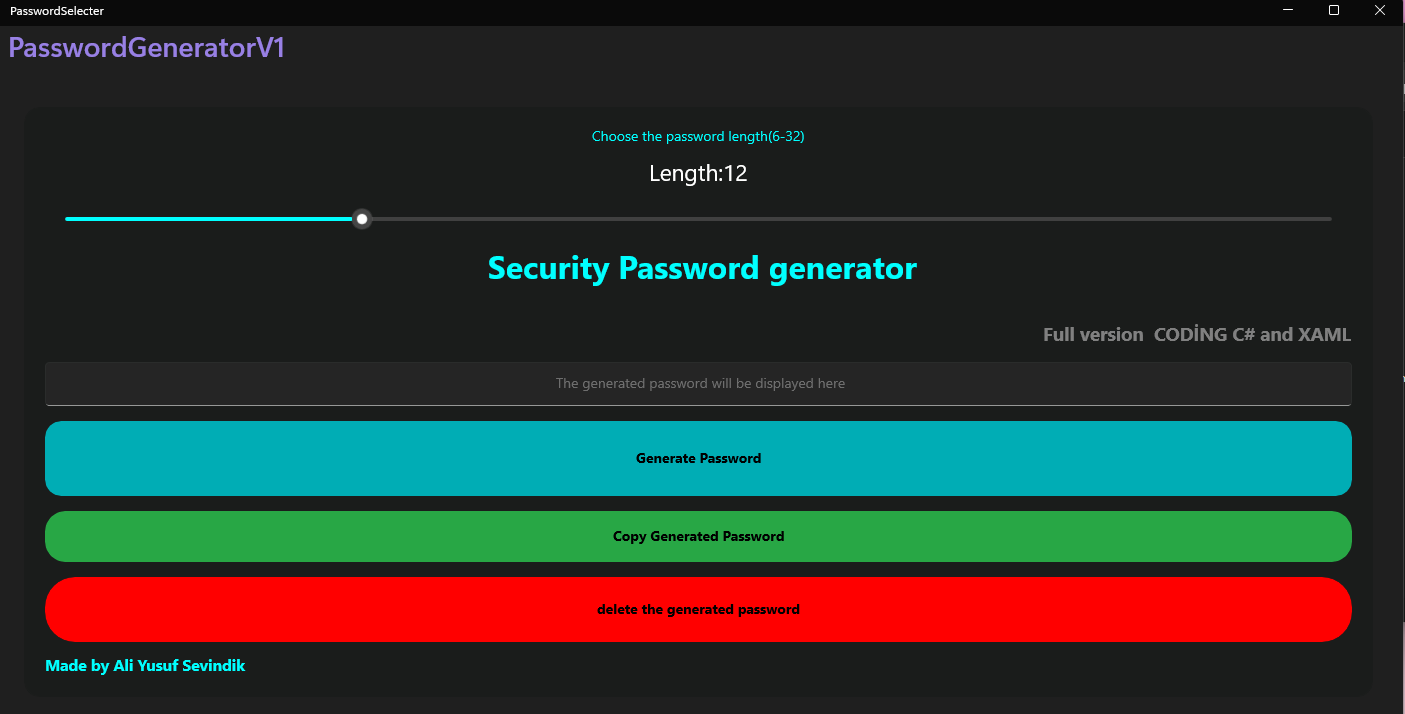
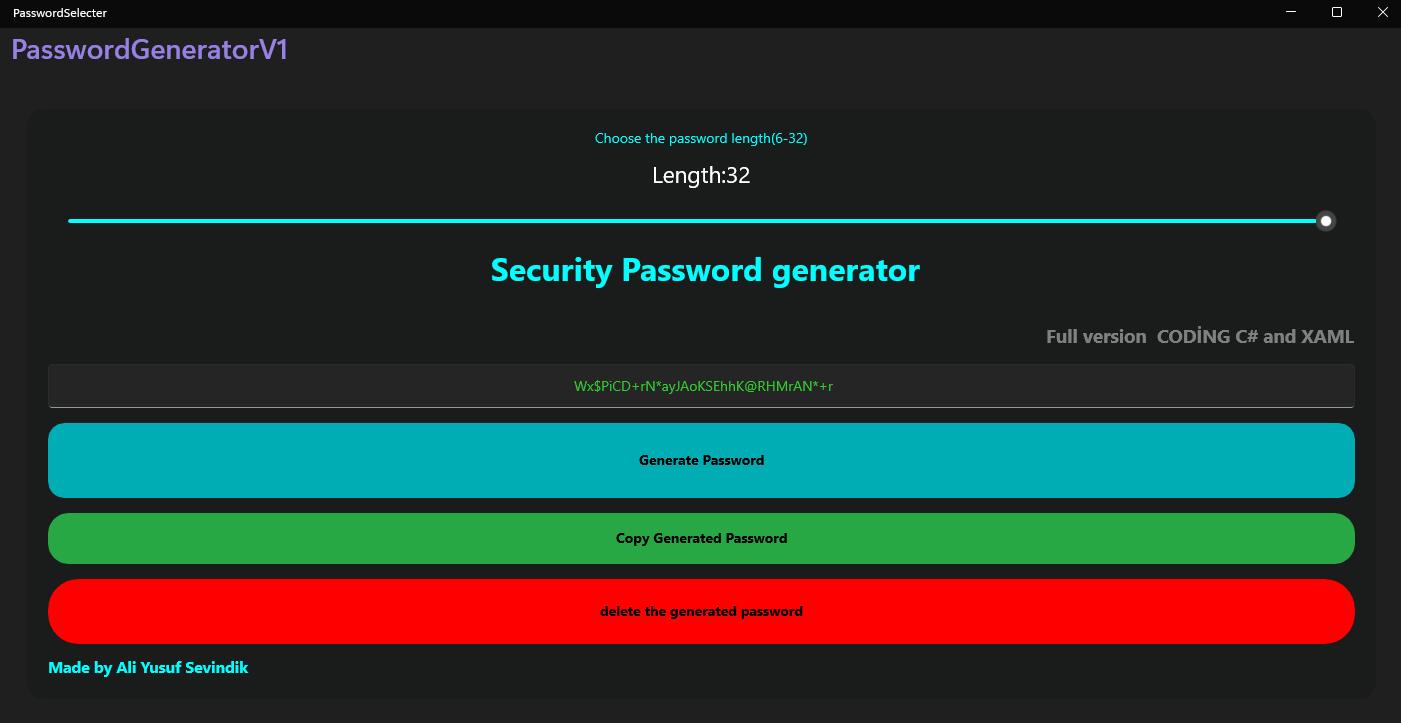
- Up to 32 Characters: Create anything from a standard 8-character password to an ultra-secure, 32-character cryptographic key instantly.
- Modern XAML Interface: Enjoy a clean, responsive, and minimalist UI tailored for a smooth and modern user experience.
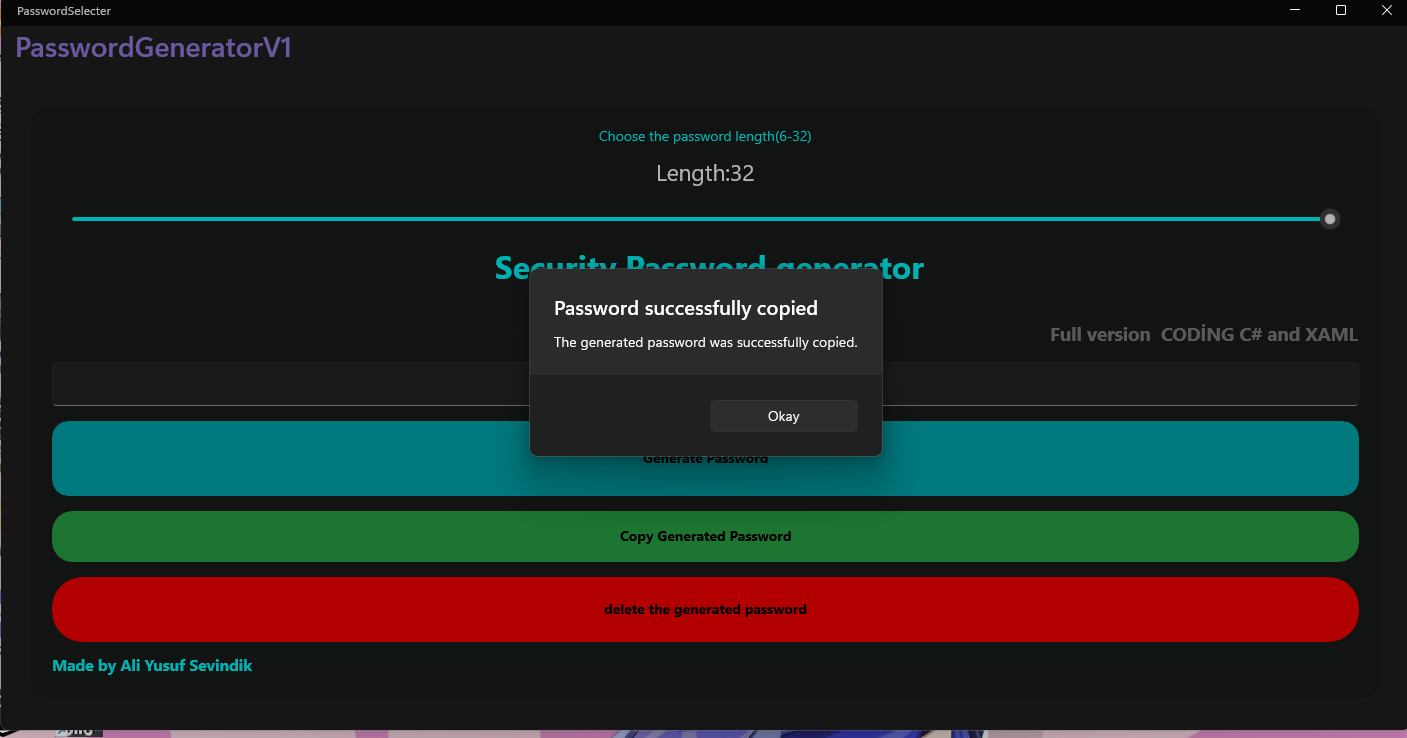
- One-Click Copy: Generate your secure password and copy it to your clipboard instantly with a single click.
- 100% Offline & Safe: Your privacy is non-negotiable. The application operates with a strict zero-knowledge architecture—no data logs, no tracking, and no internet required.
Why Free / Donate?
I believe that digital security should be accessible to everyone. That’s why Secure Password Generator is free. However, developing and maintaining tools takes time. If this application helps protect your accounts, consider leaving a donation to support future development!
Secure your digital world today!
Download
Install instructions
📥 How to Install and Run
Follow these simple steps to get the application running on your PC:
1. **Download the File:** Click the download button above to get the `PasswordGeneratorApp.zip` archive.
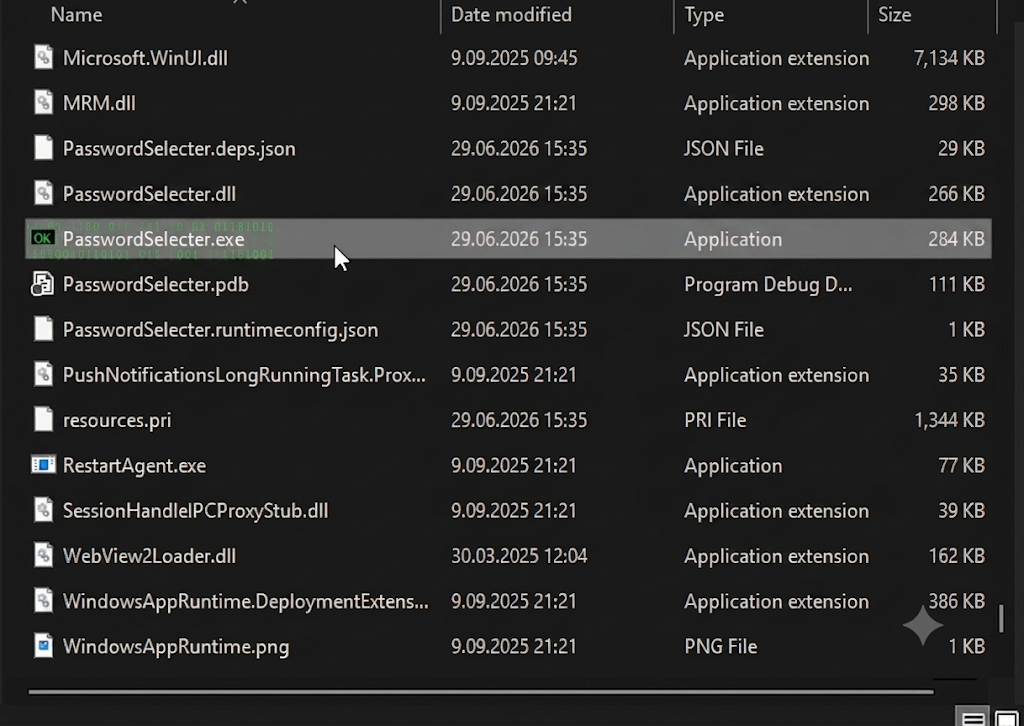
2. **Extract the Folder:** Right-click the downloaded `.zip` file and select **"Extract All..."** (or use tools like 7-Zip/WinRAR) to unpack the files into a folder of your choice.
3. **Launch the App:** Open the extracted folder, look for the **`PasswordSelecter.exe`** file, and double-click it to run.
---
⚠️ Note for Windows Users (SmartScreen Warning)
Since this application is a custom tool built with C# and is not digitally signed with an expensive corporate certificate, **Windows SmartScreen** might show a blue warning popup saying *"Windows protected your PC"* when you launch it for the first time.
**Don't worry, this is completely normal for independent software.** To bypass it safely:
1. Click on the **"More info"** link inside the popup.
2. Click the **"Run anyway"** button that appears at the bottom.
*The app runs 100% offline, requires no internet connection, and never logs or saves your data.*
Leave a comment
Log in with itch.io to leave a comment.